
Real conversations, not pings
Warmup traffic is sent as threaded conversations with quoted replies and natural response delays, the way humans actually email. One-shot send-and-forget warmup is what gets mailboxes flagged in the first place.
Warmerly warms up your mailboxes so Gmail and Outlook trust them before you send a single cold email. Every channel included, from $19/month flat — no per-inbox fees, and no cap on how much you send.
7 days free, card required · First charge on day 8 · Cancel anytime
You won't find a wall of five-star quotes here — Warmerly is young and we'd rather show you what the platform is actually doing than buy testimonials. Being early has a payoff: you get the founder answering your support tickets, and features shipped in weeks rather than quarters.
Warmerly is used by founders sending their first fifty emails a week and by agencies running dozens of mailboxes across client domains. The volumes differ; the failure mode does not — a cold mailbox with no reputation gets filtered before anyone reads a word of it.
Every mailbox added to the network makes the warmup pool deeper and the conversations more varied, which is exactly what mailbox providers score as genuine human use.

Email warmup is the process of gradually sending and engaging with mail from a new or low-volume sending mailbox so that providers like Gmail and Outlook learn to treat it as a trusted human sender. A warmup tool such as Warmerly connects to your mailbox via OAuth and runs continuous, human-like conversations — sends, replies with quoted history, stars, labels, marks important, and spam-folder rescue — against an aged peer pool, building the baseline reputation a mailbox needs before any cold outreach is sent.
See the full process in how Warmerly works, or read the 2026 deliverability guide for the wider context.
Average inbox placement rate for mailboxes after a full Warmerly warmup cycle. Measured across Gmail and Outlook.
Measured by InboxPulse placement tests against Gmail and Outlook seed mailboxes, on accounts that completed a 30-day warmup ramp. How we measure
Gmail and Microsoft 365 connect through OAuth. No app passwords, no SMTP credentials stored.
Disconnect a mailbox from your side whenever you like. Access ends immediately.
Data processed under GDPR with a signed DPA available on request.
Warmup runs on accounts you own and control — nothing is sent from shared infrastructure in your name.
Gmail and Microsoft 365 connect through OAuth in one click. Zoho, Namecheap Private Email and anything else connect over SMTP and IMAP with a host and a port.
Warmerly warms the mailbox itself, so it sits underneath whatever tool you send campaigns from — nothing about your sending stack has to change.
Connect a mailboxWarm every client mailbox under one flat rate — no per-inbox fees eating your margin, and no send limits to buy back later.
Agency use cases →Get a new domain safely to the inbox before your first cold campaign, not after it burns.
Cold email use cases →Keep email and LinkedIn accounts healthy so candidate and client outreach actually gets seen.
LinkedIn warmup →

Intelligent mailbox warmup: threaded conversations, quoted replies, spam-folder recovery, and reputation-matched peering. The boring details that actually move the needle with Gmail and Outlook filters.

Live health scores per mailbox based on deliverability signals, authentication checks, and real send data. Know exactly where you stand before you hit send.

See where your warmup mail is landing across Gmail, Outlook, and Yahoo — primary, promotions, or spam — and catch reputation drops before they cost you a campaign.
Nothing about the message changes — same subject, same sender, same copy. The only difference is whether the mailbox had a sending history before it hit send.
Gmail and Outlook do not simply accept or reject a message. They sort it — primary inbox, promotions, or spam — and that decision is made on sender reputation long before your subject line is scored.
Warmerly moves the sender signals that drive the sort: authenticated domains, steady volume, and real replies from real mailboxes. The copy is your job. The routing is ours.
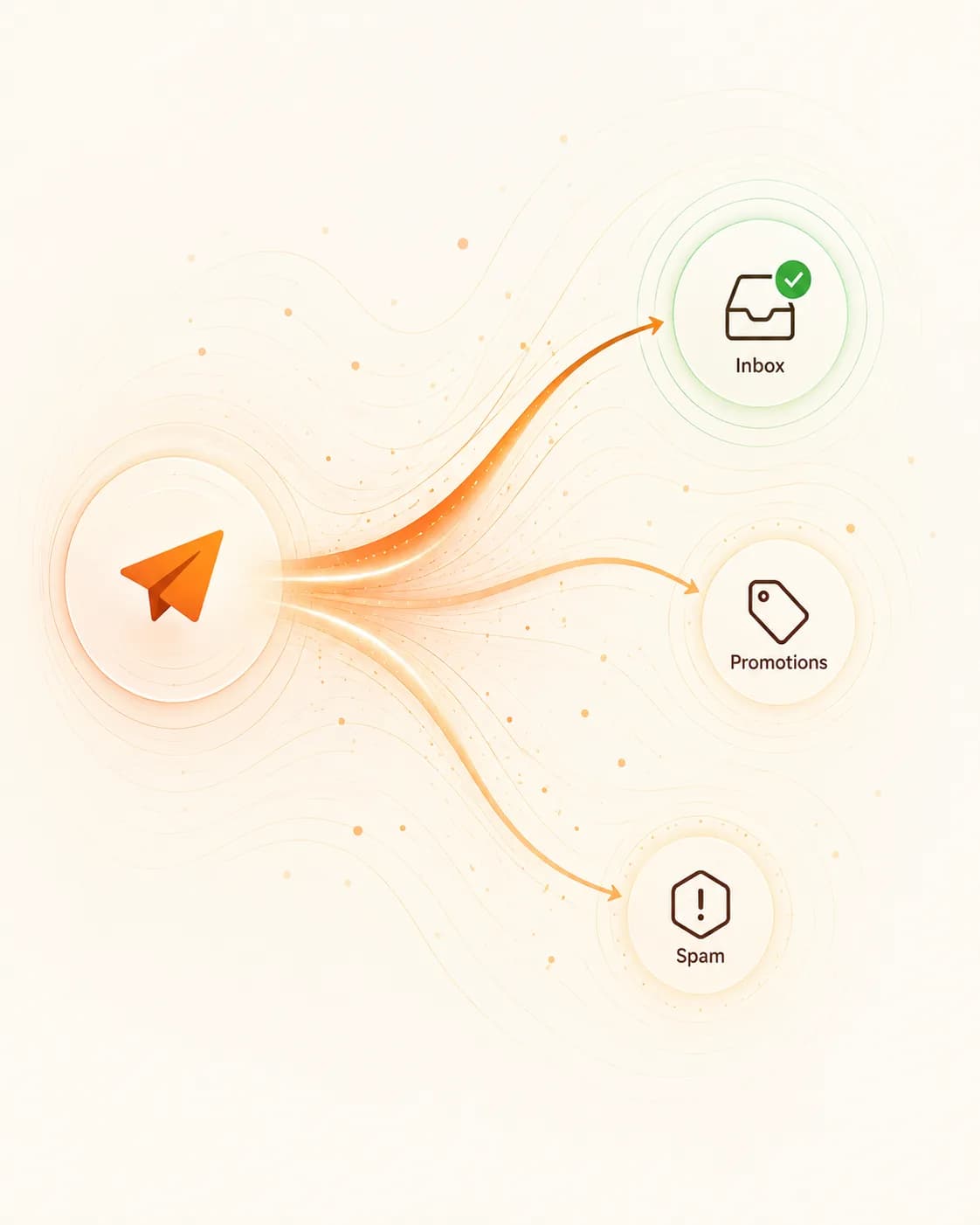
The whole thing, start to finish — why cold mailboxes land in spam, how warmup fixes the sender signals behind it, and what it costs.
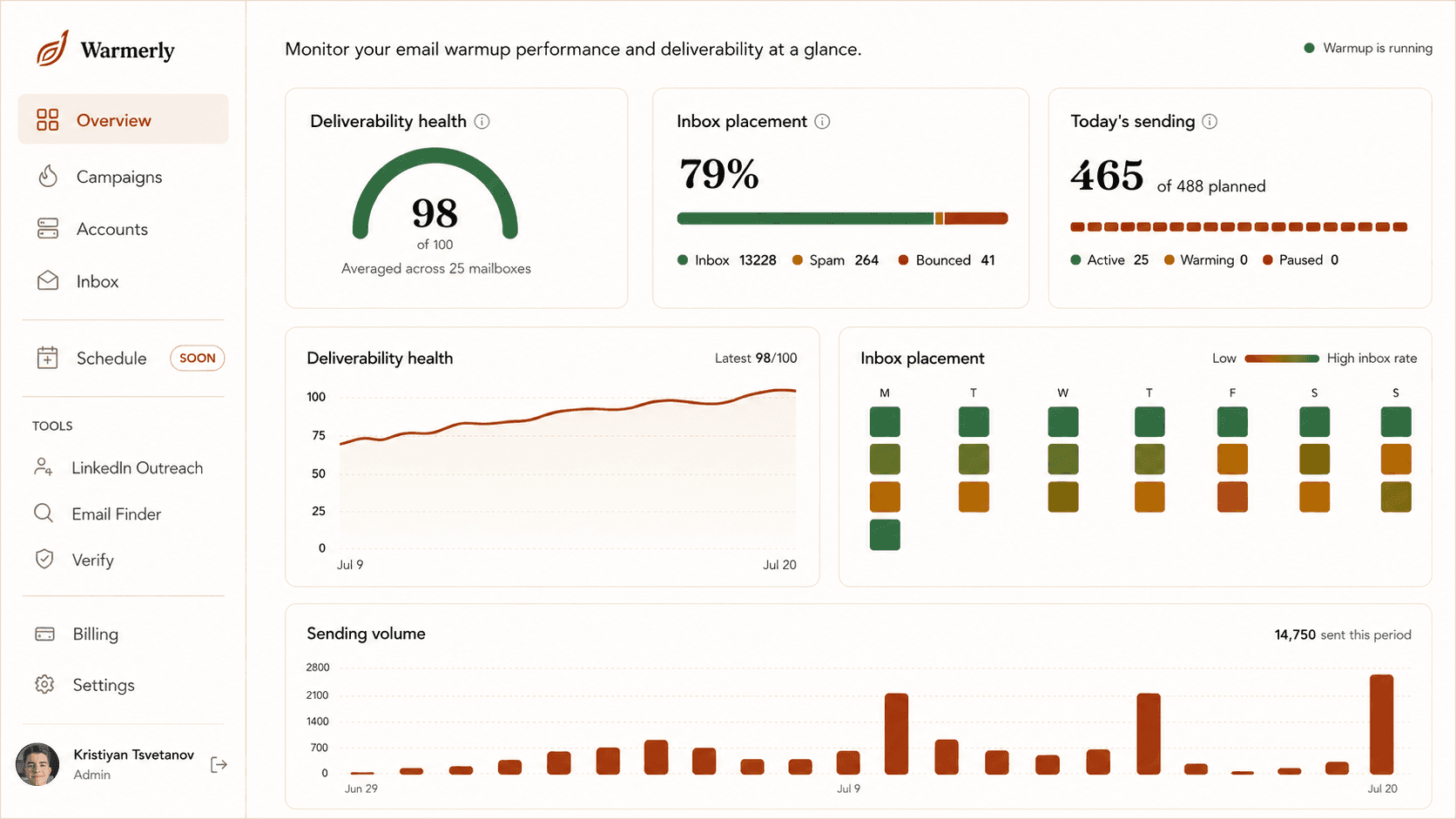
Deliverability health, inbox placement, and today's Warmflow sending volume for every mailbox in the workspace — on one screen. When the gauge is green, your outreach lands. When it isn't, you find out here first, not from a dead campaign.
See how Warmflow works →Health trends, a weekly placement grid, and sending volume as it ramps. Reputation drops show up as colour shifts days before they'd cost you a campaign — so you pause, recover, and keep the domain clean.
Read the deliverability guide →Every account gets a live health score, a daily quota that ramps automatically, and one-click pause. Add as many mailboxes as you like — the flat rate doesn't change.
See flat-rate pricing →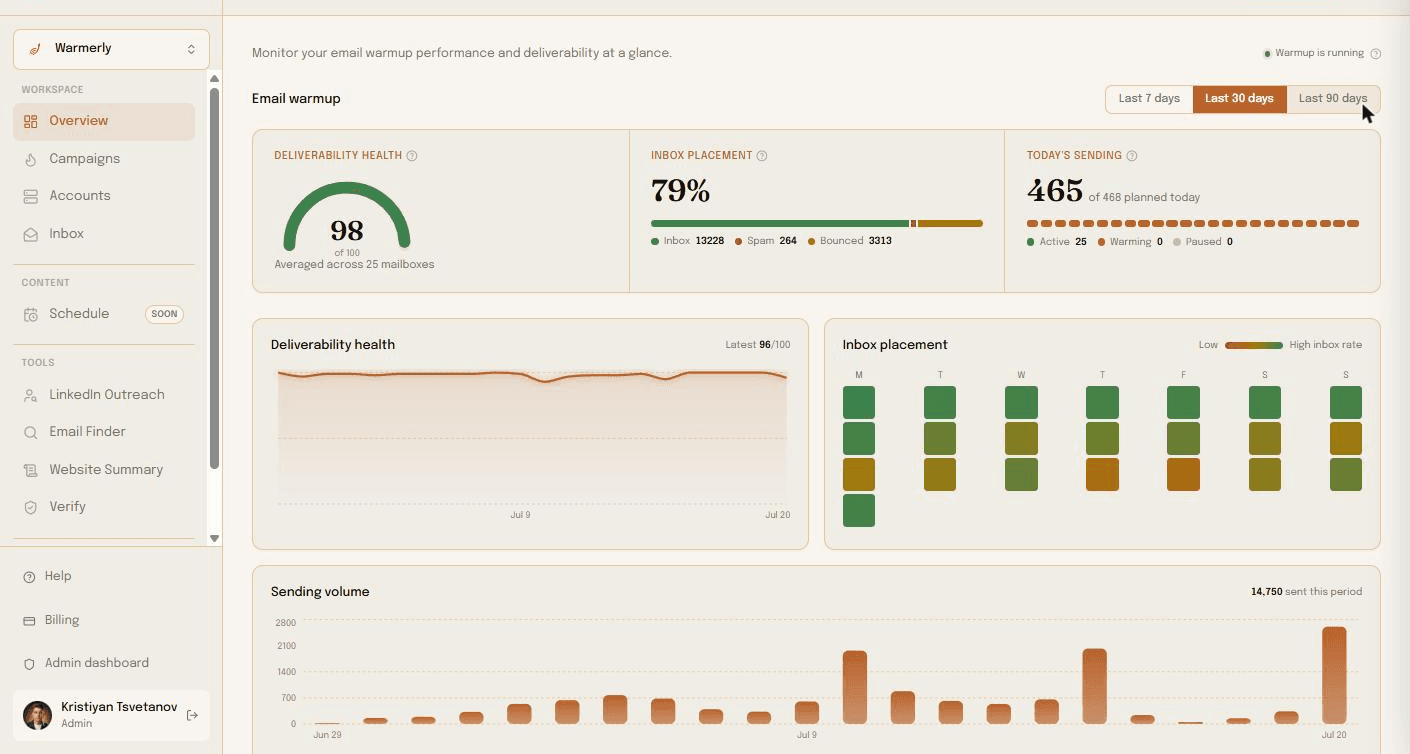
Deliverability health, inbox placement, and today's Warmflow sending volume for every mailbox in the workspace — on one screen. When the gauge is green, your outreach lands. When it isn't, you find out here first, not from a dead campaign.
See how Warmflow works →Health trends, a weekly placement grid, and sending volume as it ramps. Reputation drops show up as colour shifts days before they'd cost you a campaign — so you pause, recover, and keep the domain clean.
Read the deliverability guide →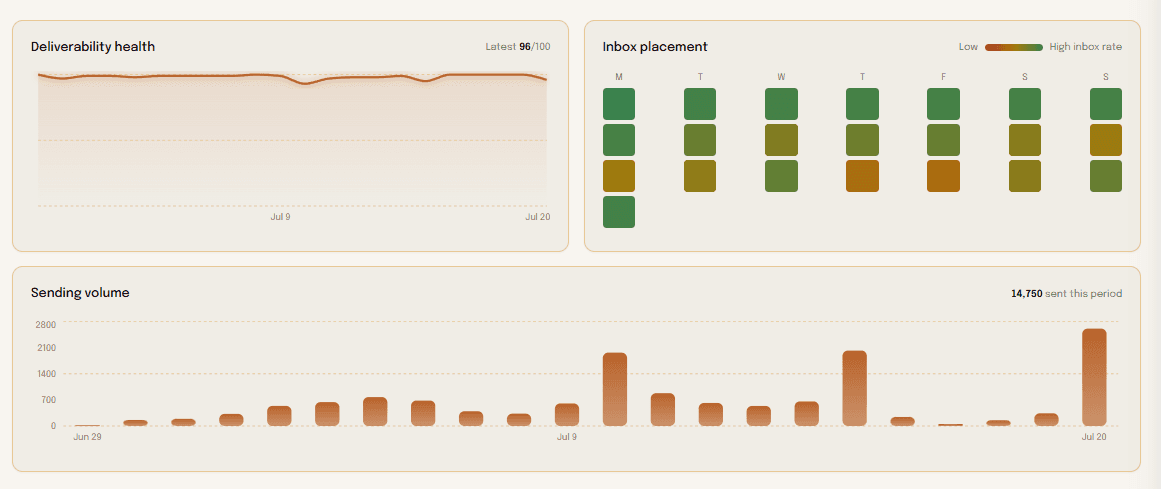
Every account gets a live health score, a daily quota that ramps automatically, and one-click pause. Add as many mailboxes as you like — the flat rate doesn't change.
See flat-rate pricing →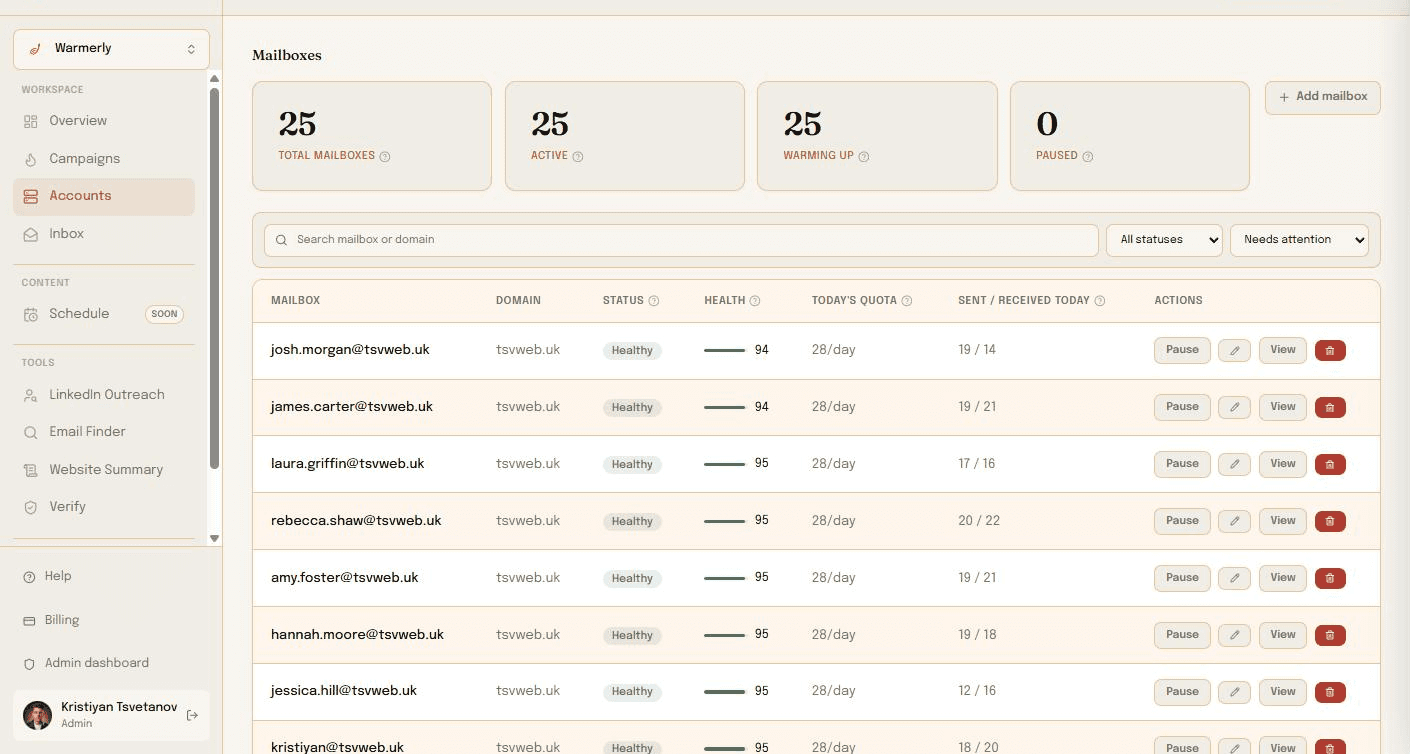
Monthly warmup cost as mailbox count goes up. Warmerly's line is flat because the price doesn't depend on how many mailboxes you connect — everyone else's multiplies.
Warmerly at the $19/month Starter rate, 5 mailboxes included. Competitor figures use each tool's lowest published per-mailbox price (Mailreach ~$25, Lemwarm $29) multiplied by mailbox count; higher tiers and tools like Mailwarm ($69/mailbox) cost considerably more. Prices change — verify current rates on their sites, and see our full comparisons.
Most warmup tools blast random text between accounts and call it a day. That is exactly the pattern Gmail and Outlook filters are built to detect. We do it the slow, boring, effective way instead.
Warmup traffic is sent as threaded conversations with quoted replies and natural response delays, the way humans actually email. One-shot send-and-forget warmup is what gets mailboxes flagged in the first place.
When a warmup message lands in spam, recipient mailboxes mark it not-spam, star it, reply to it, and move it back to the inbox. That signal is one of the strongest reputation builders Gmail and Microsoft use, and most tools skip it entirely.
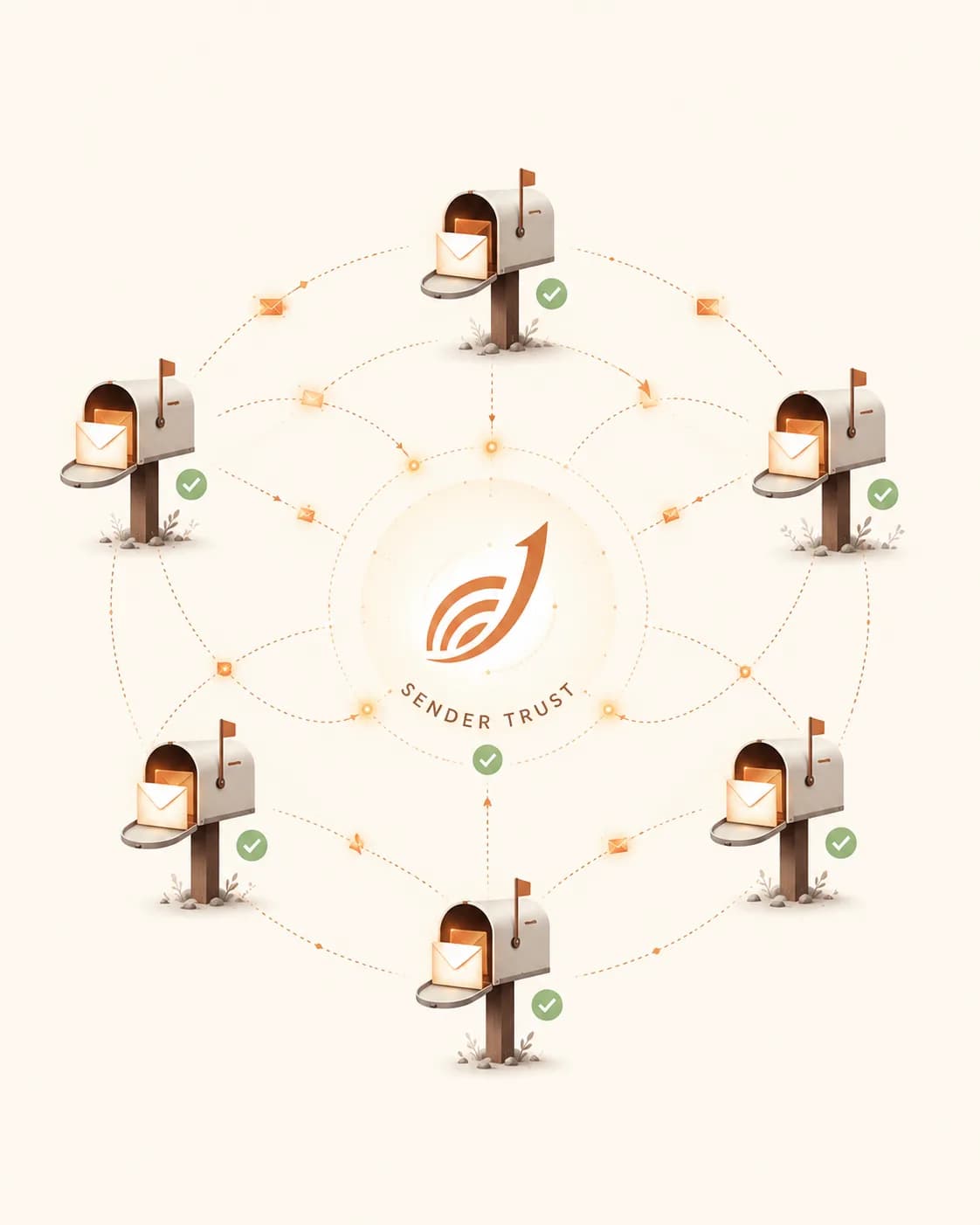
Brand-new mailboxes are never paired with other brand-new mailboxes. Warmflow routes your sends through aged, healthy peers so providers see traffic from trusted addresses, not a closed loop of cold accounts talking to each other.
Gmail-to-Gmail, Outlook-to-Outlook, and cross-provider patterns are tuned separately because each filter weights signals differently. We route mix and volume to match what each provider expects from a healthy sender.
No round-number cadences and no 9:00am bursts. Sends follow recipient working hours with natural jitter, respect weekends and quiet hours, and ramp on a curve tied to your domain age.
InboxPulse verifies SPF, DKIM, DMARC, MX, and TLS state on every connected mailbox every day. Misconfigurations are surfaced before a campaign goes out, not after deliverability has already tanked.
Warmup mail is only worth anything if the other end is a genuine mailbox with its own history. Every account in the pool is verified and warmed, so the exchanges your mailbox takes part in look like correspondence rather than a loop of bots agreeing with each other.
Messages are opened, marked important, pulled out of spam and replied to on human timings — the four signals that actually move a sender score.
A handful of warmup emails a day. Providers are watching.
Volume climbs on a curve tied to your domain age. Replies flow.
Trusted sender. Ready for real outreach at full volume.
Setup is four steps and most of it is done for you. Link the mailboxes you already send from, prove you own the domain with SPF, DKIM and DMARC, then let the warmup engine build reputation on its own schedule.
You do not change your sending stack. Warmerly sits underneath whatever tool your campaigns go out from.
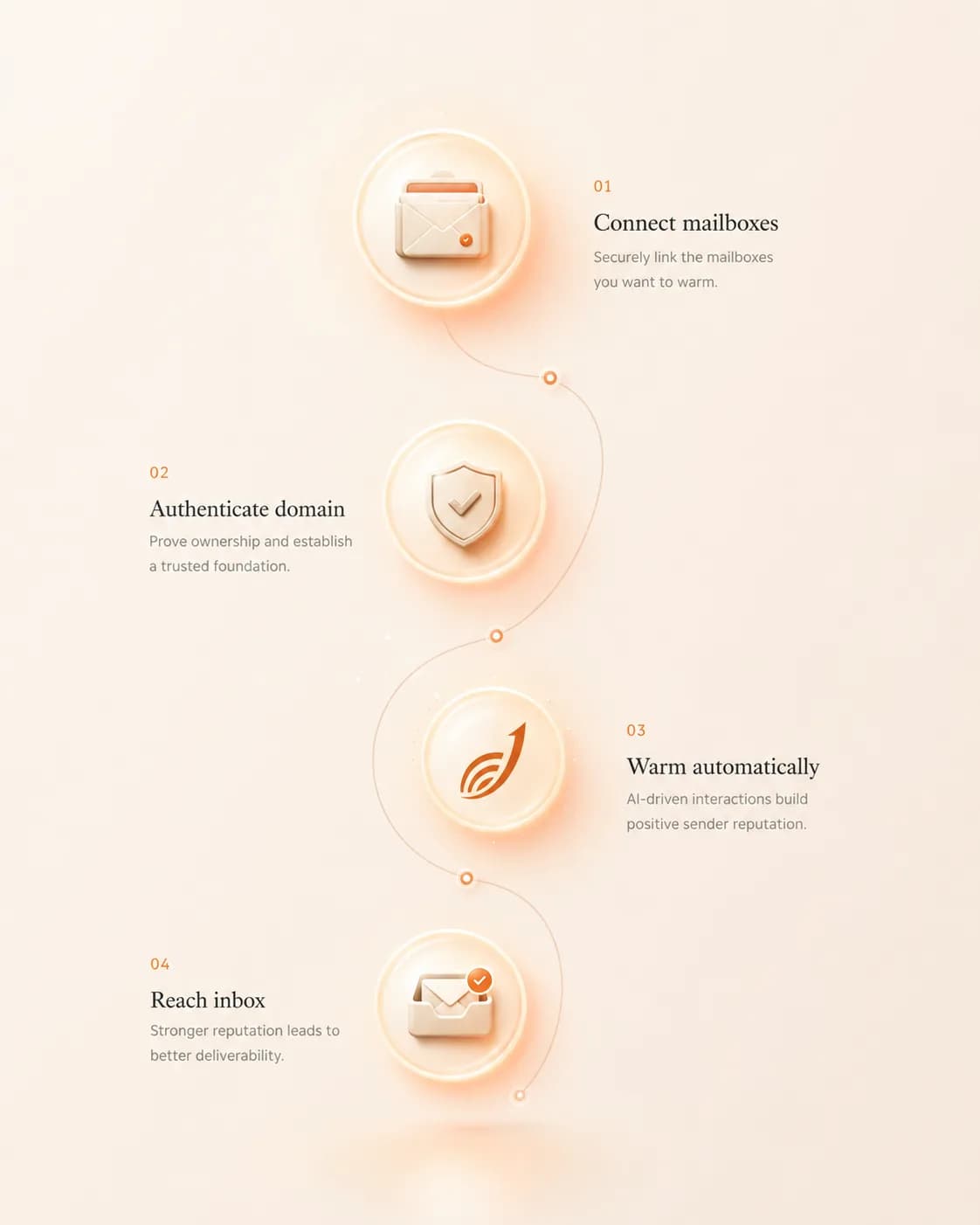
OAuth into Gmail or Microsoft 365. Warmerly never stores your password and you can disconnect at any time.
Start small and ramp up daily volume on a pace that matches your domain's age and history.
We send, open, reply, and recover messages from spam, quietly building your reputation in the background.
Email plans are flat. Every mailbox on your plan is warmed by Warmflow, our warmup engine, at no extra charge — 5 mailboxes on Starter, 25 on Growth, 50 on Agency — and nothing you send is metered. Warmerly Link (LinkedIn warmup) is priced per account because the infrastructure cost is per-account. Honest about both.
For founders and freelancers warming up outreach for the first time.
For SDRs and small teams running steady, daily outreach.
For agencies and teams running high-volume campaigns.
Prices shown in USD, billed monthly. Warmerly Link is sold separately at $50 USD/month per account and does not require a base plan.
Automatic AI-guided warmup, careful activity ramping, campaign sending, search/import and unified inbox — from the same workspace. Charged immediately, no trial.
Flat rate, same price on every tier — beyond your plan's included allowance.
Switching from something else? Warmerly vs Instantly.ai · Warmerly vs Warmly.ai · see all comparisons →
Email warmup is the process of gradually sending and engaging with mail from a new or cold mailbox so that providers like Gmail and Outlook start trusting it. Without warmup, cold outreach often lands in spam.
Email plans from $19/month, with unlimited sending. LinkedIn warmup is $50 per account. Connect Gmail or Outlook in 60 seconds.
Start warming free7 days free · Card required · Cancel anytime